Preview in:
How can AI find a person from a photo?
AI-powered reverse face search operates through a combination of machine learning, deep learning, and facial recognition algorithms. These advanced technologies allow systems to process and analyze facial features, match them with extensive index, and generate potential matches. The process generally consists of the following steps:
- Facial feature extraction: AI analyzes key facial landmarks, such as eyes, nose, and mouth, creating a unique digital signature.
- Index comparison: The extracted facial data is compared against a large image index, including all available online sources.
- Additional enhancements: Some AI tools use advanced filters, metadata analysis, and contextual information to improve search accuracy and filter out irrelevant results.
- Facial recognition & matching: The AI algorithm assesses potential matches by measuring similarities between the uploaded photo and stored images. It ranks the results based on the degree of similarity.
- Displaying results: The system provides a list of possible matches, often accompanied by URLs where the images appear online, allowing users to further investigate and verify identities.
AI Image Search with Facial Recognition
Find a person from a photo with best AI-powered reverse image search tool - lenso.ai
As we already know, if you have only a photo of the person you are looking for, there is a solution that can help you find them — a reverse face search tool. We will show you how lenso.ai performs face searches.
Simply upload an image to lenso.ai
.png)
If you're lucky, you’ll immediately find the person under the URL where the image was originally published.
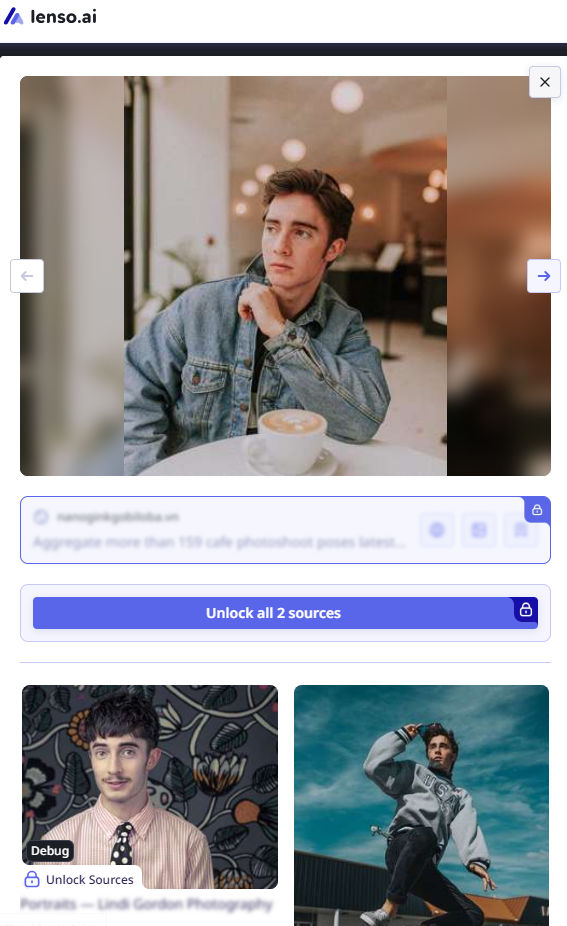
To verify whether it’s the right person, you can check multiple URLs or use additional features:
- Sort images by: newest/oldest, best/worst match, or random.
- Filter images by: specific keywords or domains.
If you don’t get enough results, we recommend creating an alert to receive email notifications with new image matches.
PRO tip: If you have multiple images, try searching with different ones and create alerts for each. This increases your chances of finding the best possible matches.
If you want to dive deeper, try Research Mode on lenso.ai to unlock up to 10,000 image search results and use advanced filters:
.png)
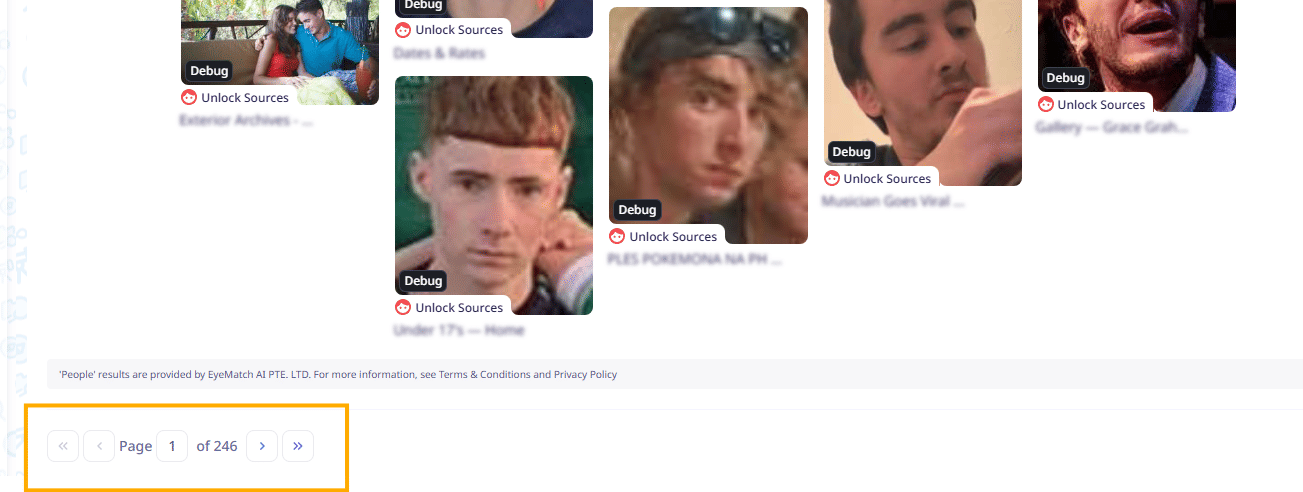
Best AI Face Search and Facial Recognition Engine – lenso.ai
Alternatives to lenso.ai
Above, we mentioned lenso.ai as the ultimate AI-powered tool to help you find a person from a photo. However, there are also some alternatives to lenso.ai that you should try:

Author
Julia Mykhailiuk
Marketing Specialist
Continue reading

Guides
How to take down photos of yourself online?
Once something gets published online, it can spread across the internet before you even notice. The problem becomes even more serious when it comes to leaked photos or copyright misuse. So, how can you take down photos of yourself online?
Guides
Reverse image lookup: How to find the original image source?
Reverse image lookup can be a quick solution for any investigator, researcher, or simply a user who wants to find more information about a specific image and its original sources.

Guides
Image copyright protection in the fashion industry: how face search helps detect online misuse of models’ photos?
The fashion industry is one of the most prosperous ones, but it is also highly vulnerable to misuse. There are many fake brands appearing online, as well as a huge amount of model photo misuse, brands illegally reuse images in their own campaigns without respecting copyright laws. How to prevent it? Detect online misuse of models’ photos with face search technology!

Guides
Filtering & Sorting on lenso.ai | Full Guide
If you use lenso.ai often, you’ve probably heard of filtering and sorting. These features are unique to lenso.ai and make the reverse image search fast, easy and precise. In this tutorial, we will explain all the filters and sorting options that you can find on lenso.ai.