Preview in:
Thanks to reverse image search tools, finding an exact image or uncovering more information about a person in a photo has become easier. Using the face searchoption, you can locate additional photos of the person you're looking for.
How can you find someone with a picture? Try lenso.ai’s face search engine
Whenever you're trying to learn more about someone or check if images of your own face appear online, you should try reverse face search.
Start face search with lenso.ai
Important! For better and more diverse results, use a high-quality picture where the person’s face is clearly visible. Group photos or low-quality images may lead to inaccurate results. If you have multiple pictures of the person, try uploading different ones to see if the results improve.
- Go to lenso.ai
- Upload an image
- Start face search via “People” category
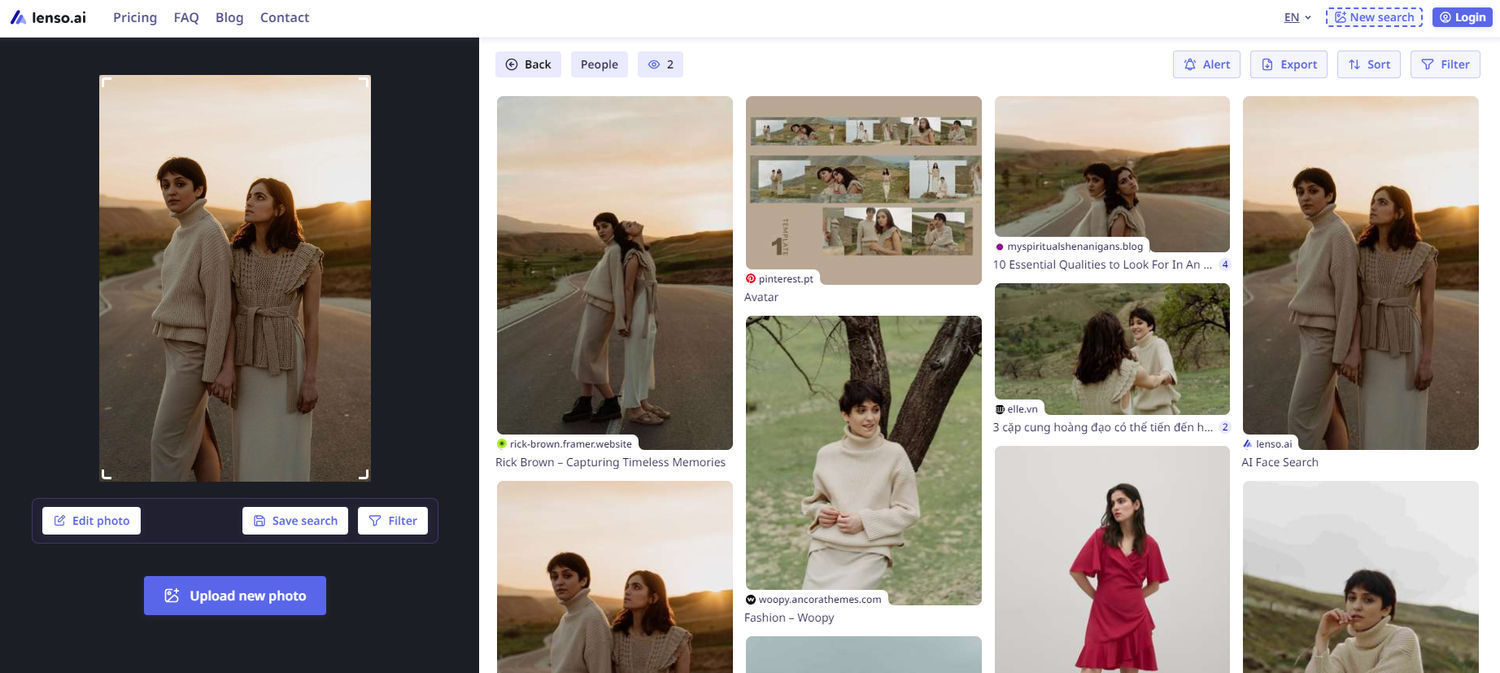
Also, check the results under the "Duplicate" and "Place" categories. The "Duplicate" category shows where the exact image appears online, while the "Place" category can provide information about the location where the person was. This information could be helpful for further search.
Explore additional features on lenso.ai
If you want to go deeper into your investigation, feel free to sort your face results by:
- best/worst match
- newest/oldest
- random
Additionally, you can try using the “Show diverse results” sorting option to help you find alternative matches and broaden your search results.
Use filter options
You can also narrow your search by using available filter options such as:
- Keywords
- Website
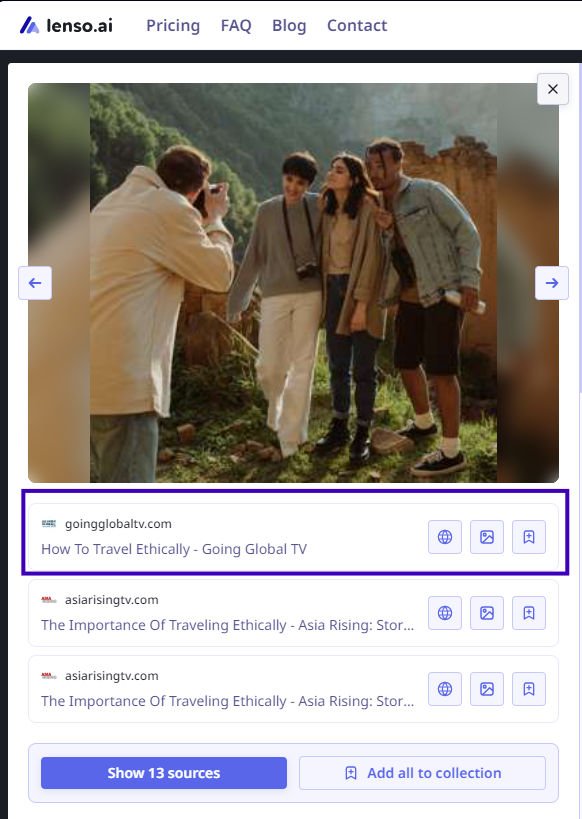
Whenever you find an image that catches your attention, check the URL source of the image. If there are multiple sources, we recommend reviewing each one, as this could lead you to new information or valuable insights.
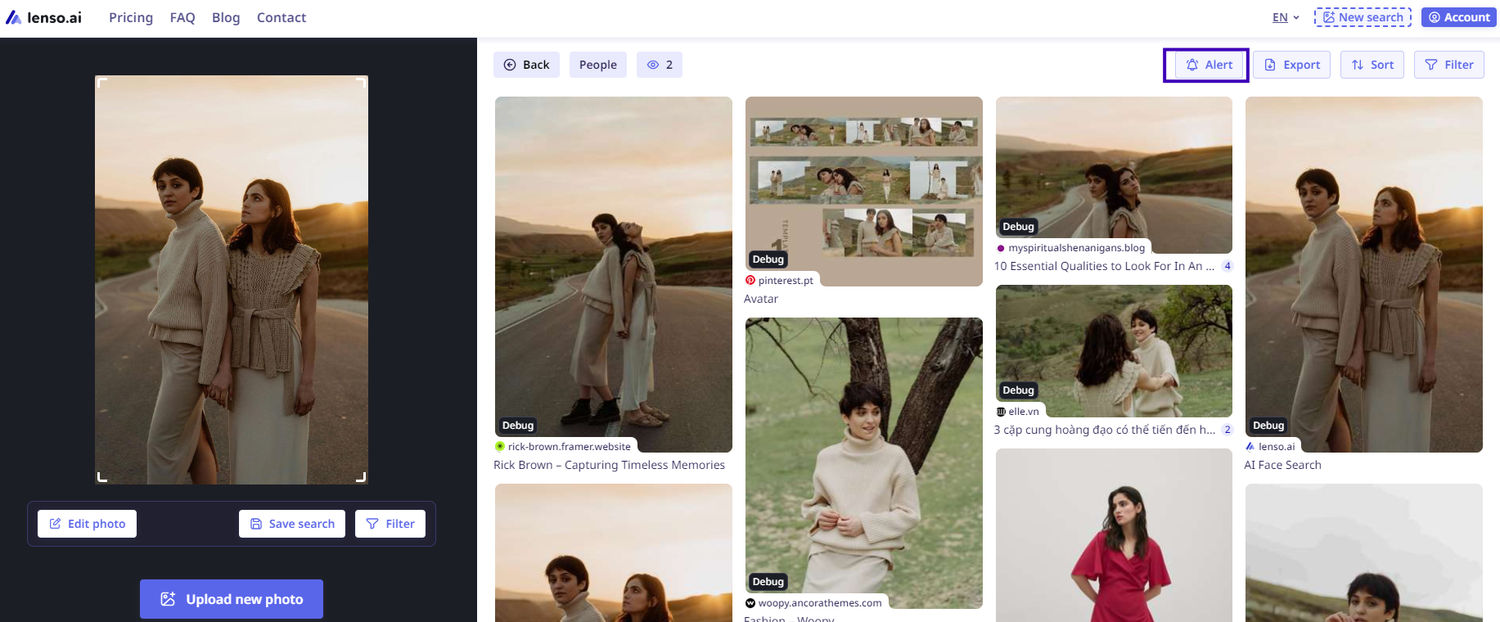
Create Alerts
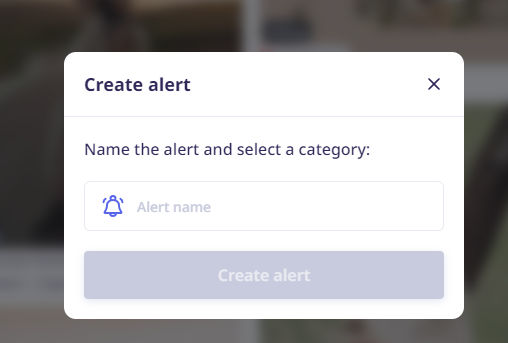
If you conduct an in-depth search that may take some time, you can create an alert for a specific image on lenso.ai. Whenever a new result appears, you will receive a notification.
What are the next steps to finding someone?
If face search lead you to some new informations, you can move forward with your investigation and search via:
- social media
- public records
- people search tools
- crowdsourcing websites (ex. reddit)
Privacy and ethical considerations
Remember! Using images to find people raises privacy and ethical questions. Before using these tools, make sure:
- You have consent from the individual if possible.
- You’re using the information responsibly and legally, avoiding harassment or unauthorized information sharing.

Author
Julia Mykhailiuk
Marketing Specialist
Continue reading

Guides
How to take down photos of yourself online?
Once something gets published online, it can spread across the internet before you even notice. The problem becomes even more serious when it comes to leaked photos or copyright misuse. So, how can you take down photos of yourself online?
Guides
Reverse image lookup: How to find the original image source?
Reverse image lookup can be a quick solution for any investigator, researcher, or simply a user who wants to find more information about a specific image and its original sources.

Guides
Image copyright protection in the fashion industry: how face search helps detect online misuse of models’ photos?
The fashion industry is one of the most prosperous ones, but it is also highly vulnerable to misuse. There are many fake brands appearing online, as well as a huge amount of model photo misuse, brands illegally reuse images in their own campaigns without respecting copyright laws. How to prevent it? Detect online misuse of models’ photos with face search technology!

Guides
Filtering & Sorting on lenso.ai | Full Guide
If you use lenso.ai often, you’ve probably heard of filtering and sorting. These features are unique to lenso.ai and make the reverse image search fast, easy and precise. In this tutorial, we will explain all the filters and sorting options that you can find on lenso.ai.