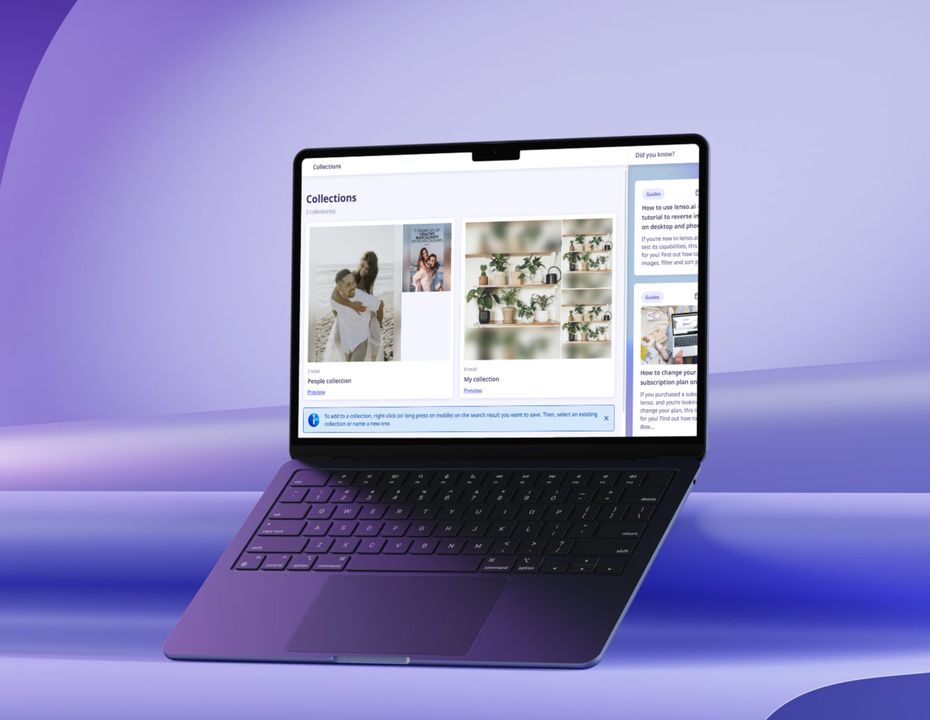
Preview in:
What are Collections?
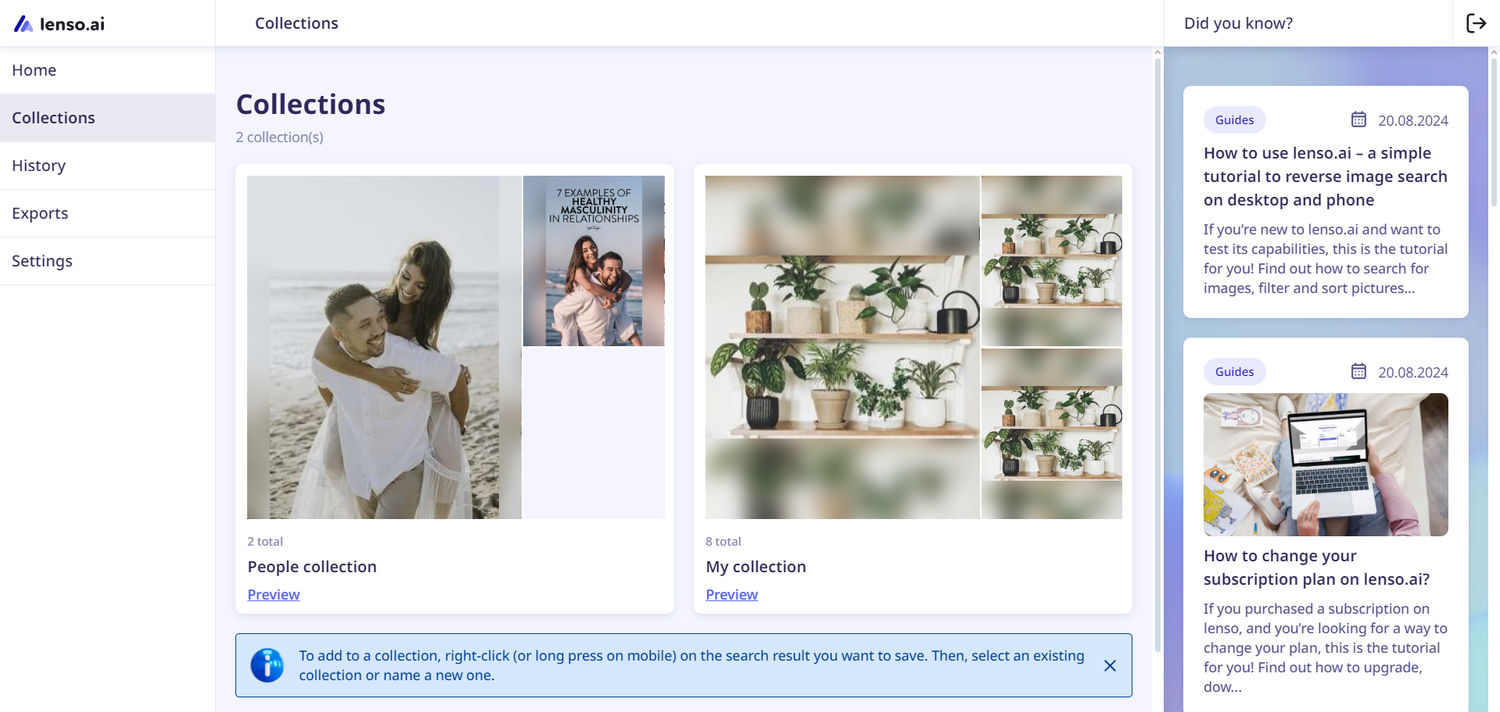
Collections on lenso allow users to create multiple folders within their profile and save any image results that they find.
Saved Collections can be found in the user panel.
How to save images to Collections?
For single images
- Search for any image on lenso.ai.
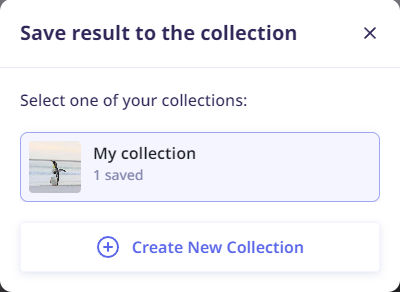
- Right-click on the image you’d like to save or click on the three dots on the picture to open the collection pop-up.
- Choose an existing collection or make a new one.
- Your image is saved!
For images with multiple sources
- Search for any image on lenso.ai.
- Click on the three dots on the picture to open the collection pop-up - this way you’ll save all the sources to your collection.
- Click “See all” to see the option of saving every image separately, as well as saving them all at once.
- To save a single image, choose the bookmark next to the specific link. To save all of them at once, choose the bookmark under “Add the whole group to Collections:”.
- Choose an existing collection or make a new one.
- Your images are saved!
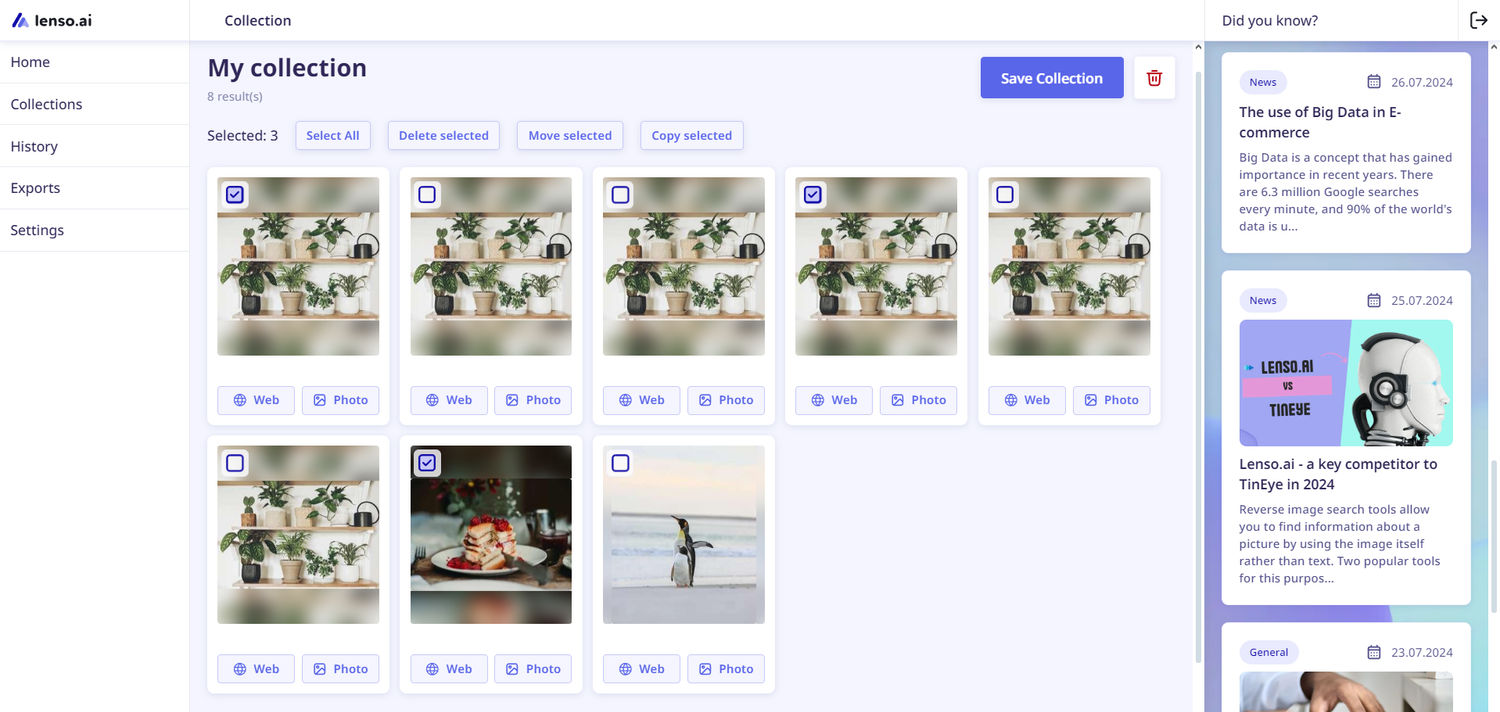
Editing Collections
Lenso.ai allows you to move, copy, and delete images from Collections. Here’s how:
- Go to Collections on your profile.
- Choose the collection you’d like to edit.
- In the top right corner, choose “Edit collection”.
- Select images you’d like to edit.
- Choose between moving, copying, or deleting the results.
- Moving - allows you to move the image to a different collection and removes it from the existing one.
- Copying - copies the image to another collection without removing it from the existing one.
- Delete - removes the image from the current collection.
If you’d like to learn more about lenso’s features, read our tutorial.

Author
Kinga Jasinska
Marketing Specialist
Continue reading

Guides
How to take down photos of yourself online?
Once something gets published online, it can spread across the internet before you even notice. The problem becomes even more serious when it comes to leaked photos or copyright misuse. So, how can you take down photos of yourself online?
Guides
Reverse image lookup: How to find the original image source?
Reverse image lookup can be a quick solution for any investigator, researcher, or simply a user who wants to find more information about a specific image and its original sources.

Guides
Image copyright protection in the fashion industry: how face search helps detect online misuse of models’ photos?
The fashion industry is one of the most prosperous ones, but it is also highly vulnerable to misuse. There are many fake brands appearing online, as well as a huge amount of model photo misuse, brands illegally reuse images in their own campaigns without respecting copyright laws. How to prevent it? Detect online misuse of models’ photos with face search technology!

Guides
Filtering & Sorting on lenso.ai | Full Guide
If you use lenso.ai often, you’ve probably heard of filtering and sorting. These features are unique to lenso.ai and make the reverse image search fast, easy and precise. In this tutorial, we will explain all the filters and sorting options that you can find on lenso.ai.