
Preview in:
Where to find categories on lenso.ai?
Categories can be found on the search screen. They are only visible after you make a search. They are shown as tabs in the top bar:
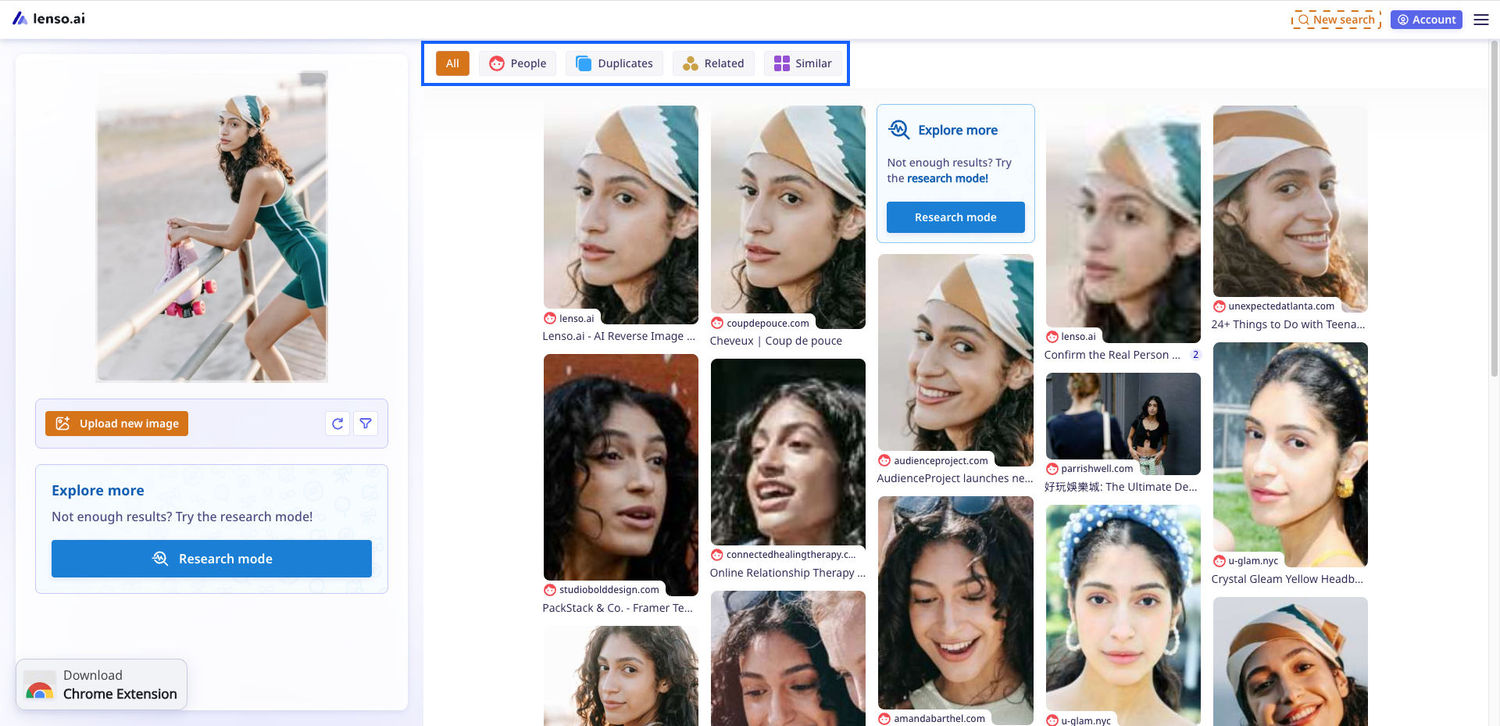
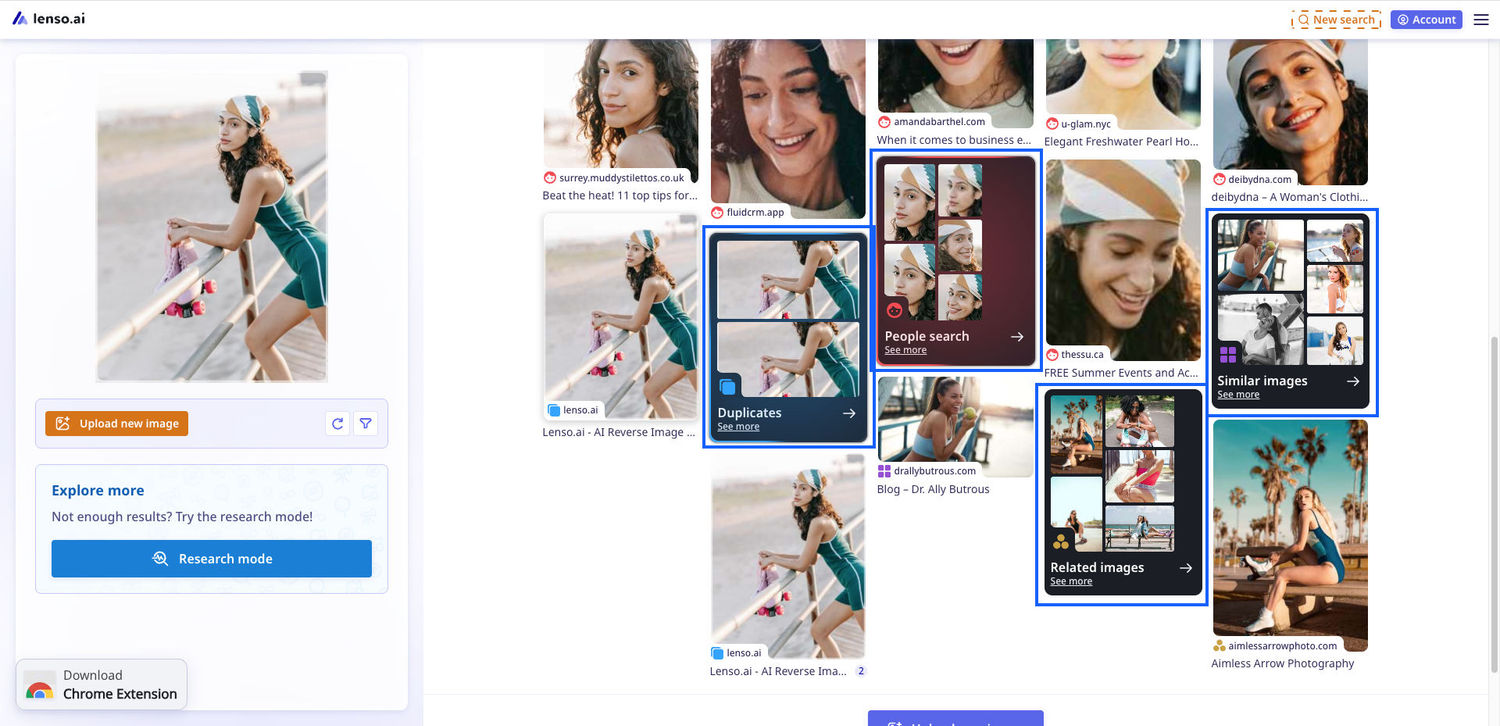
and folders in the “All” category.
Not sure how to make a search on lenso.ai? Read Reverse Image Search | How to Search by Image?
What are categories on lenso.ai?
Categories on lenso.ai are AI models trained to recognize specific types of photos. Some are made for finding faces, others - finding copies of photos. Here’s a simple breakdown:
All category
The All category was made for combining a few results from each category for the user to choose from. You can go to a specific category from there after checking which results resonate with you.
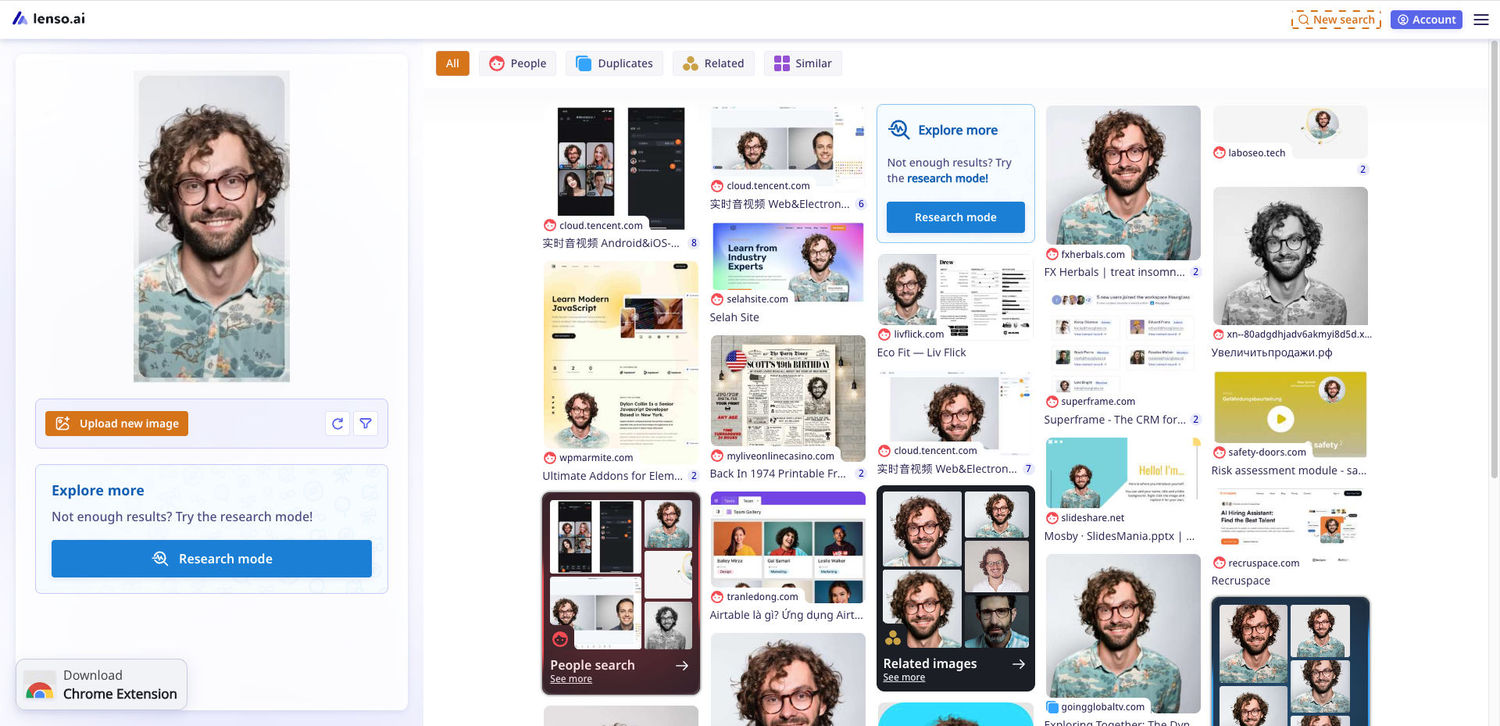
People category
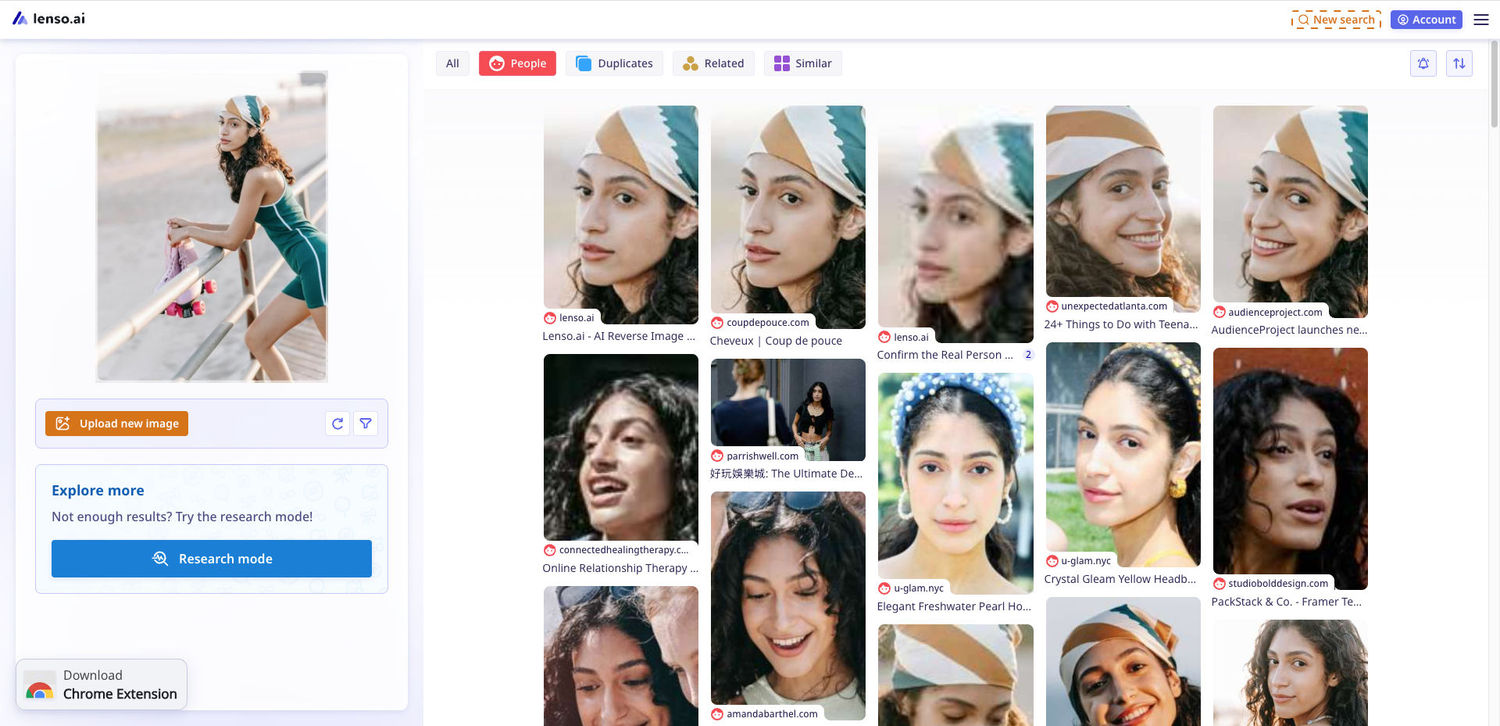
The People category was made for finding same faces across different sources. The person depicted might have a different expression or be in a different place, but the facial recognition used is able to detect the person.
Duplicates category
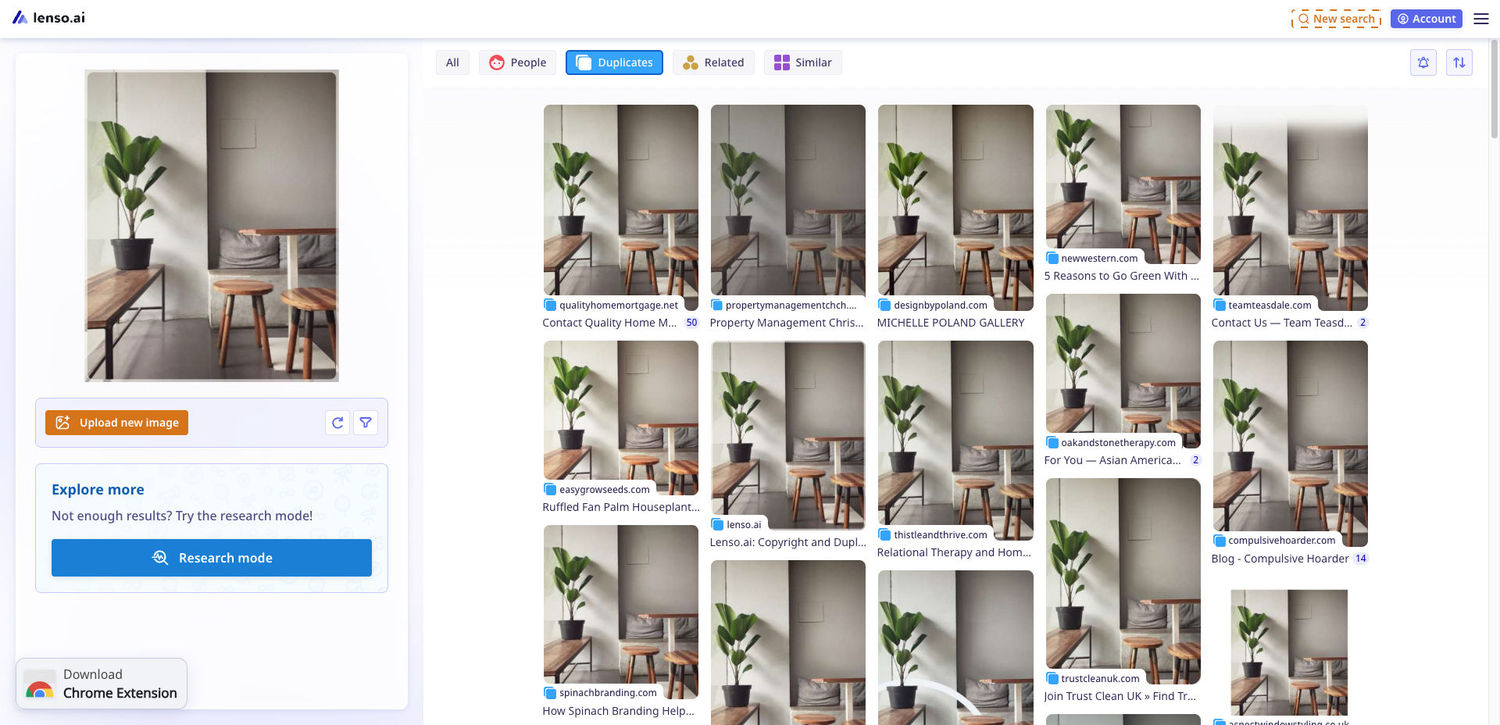
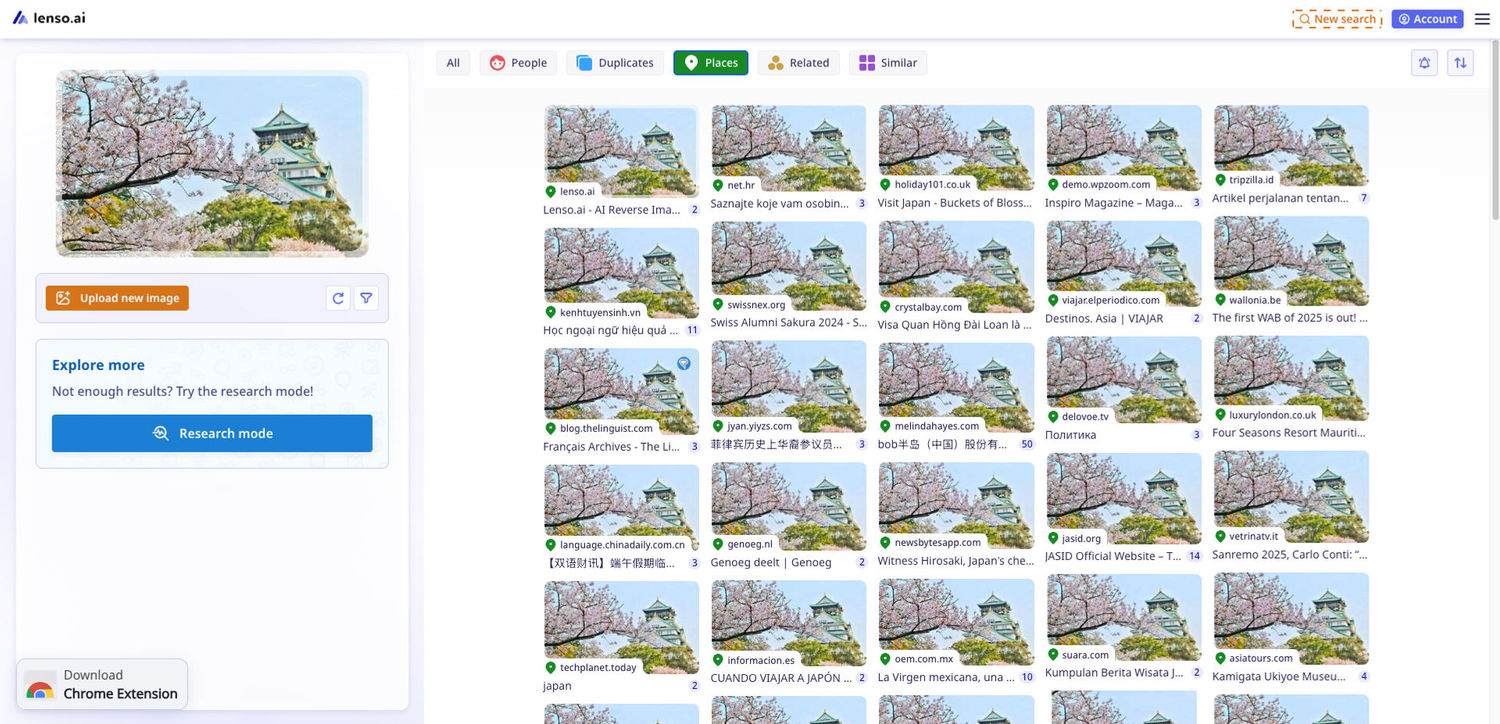
Places category
The places category is only visible when you are searching for a place. This category is made for finding the same location in different settings, lightings etc. You can also find famous buildings or landmarks.
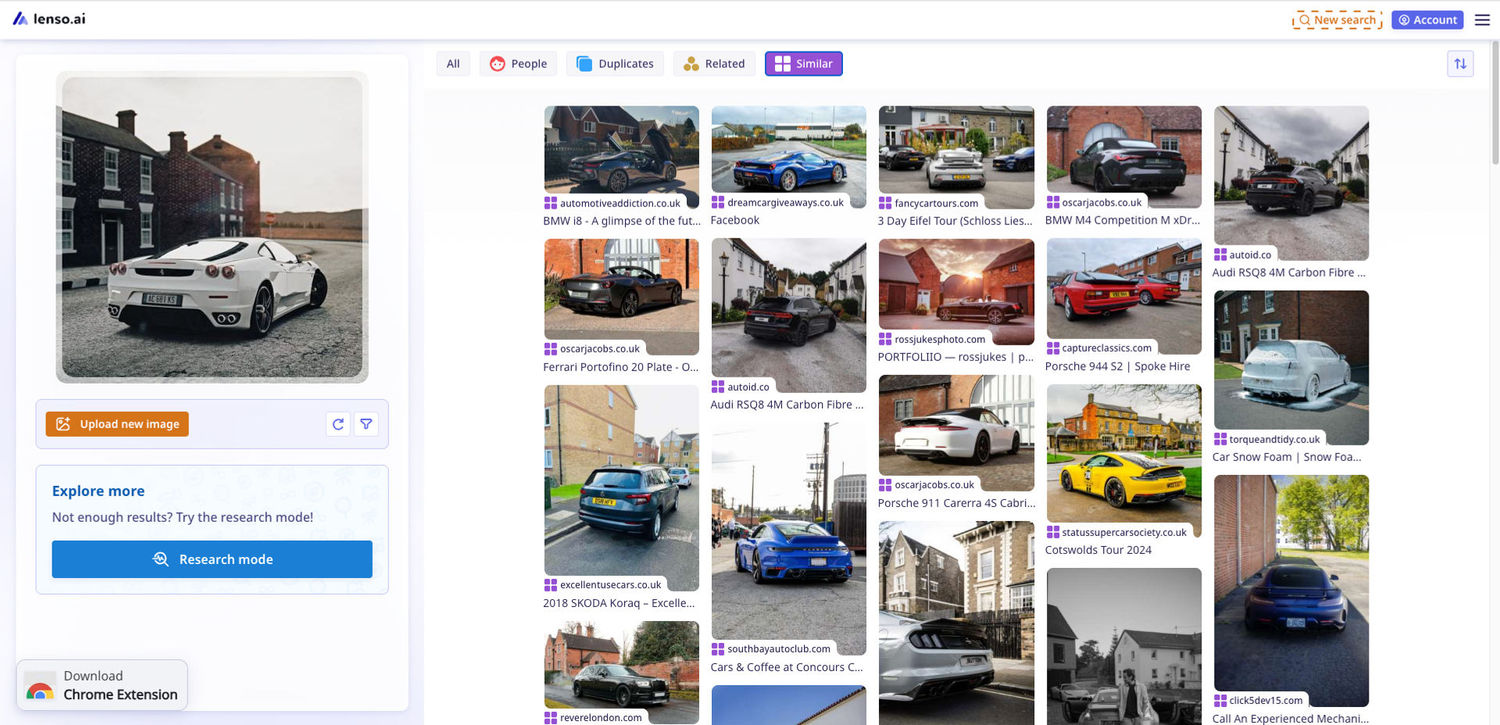
Similar category
The similar category is meant for finding similar images. In the case below, it depicts different cars, but all are photographed from behind (they look similar).
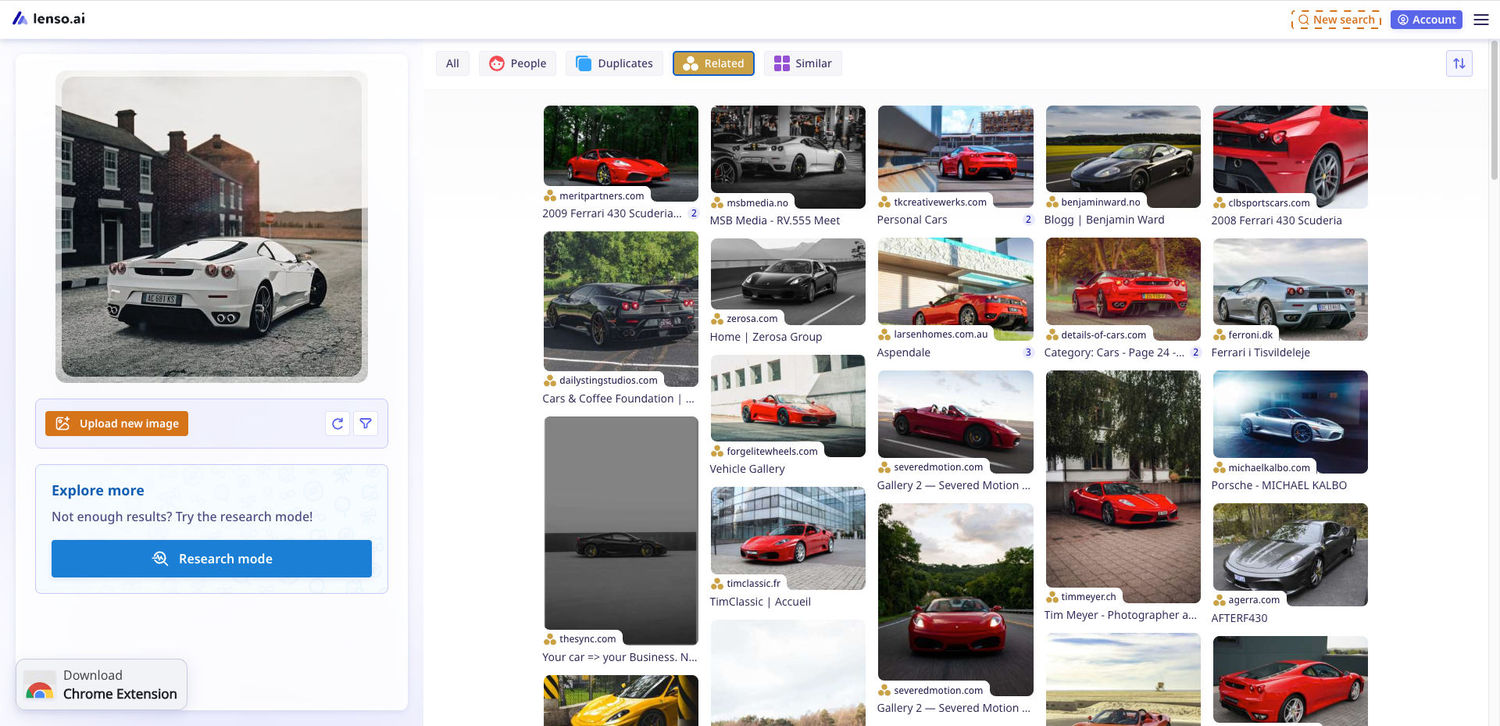
Related category
The related category is meant for finding images of the same object but in different settings. In the case below, it depicts the same car, but in different settings, colors etc.
Categories on lenso.ai for better image search
The categories on lenso.ai are extremely useful. They help you find the exact object/person/place you are looking for, instead of scrolling through thousands of unrelated results. Try it now!

Author
Kinga Jasinska
Marketing Specialist
Continue reading
![TOP 10 Reverse Image Search Tools [2026]](https://img.lenso.ai/blog/top-reverse-image-search-tools?updatedAt=1738759682322&tr=w-768,h-auto)
News
TOP 10 Reverse Image Search Tools [2026]
Check out the ultimate list of the best reverse image search tools in 2026! Find the perfect image search engine that allows you to search for similar images or dive deeper with face search, duplicate and location finders.

News
Set up Notifications for Your Face Online | Lenso.ai Alerts
Wondering if your face is being shared online without your knowledge? Thanks to Alerts on lenso.ai, you can set up notifications for your face. This way, you will never miss a photo that’s been shared on the internet. Learn how lenso.ai helps you protect your image online with free Alerts and email notifications!
News
Best PimEyes Alternatives & Competitors for reverse face search in 2026
Looking for an accurate facial recognition tool that's not the popular one? Discover and try best PimEyes alternatives and competitors in 2026.